Peakboard hub
Uninstall
Peakboard Hub on premise ships its own uninstaller. You can launch it from the Windows Apps & Features list, or run it directly from the installation folder at C:\inetpub\PeakboardHub\Uninstall\uninstall.exe. Like the setup, the uninstaller needs administrator rights.
Step 1 — Confirmation
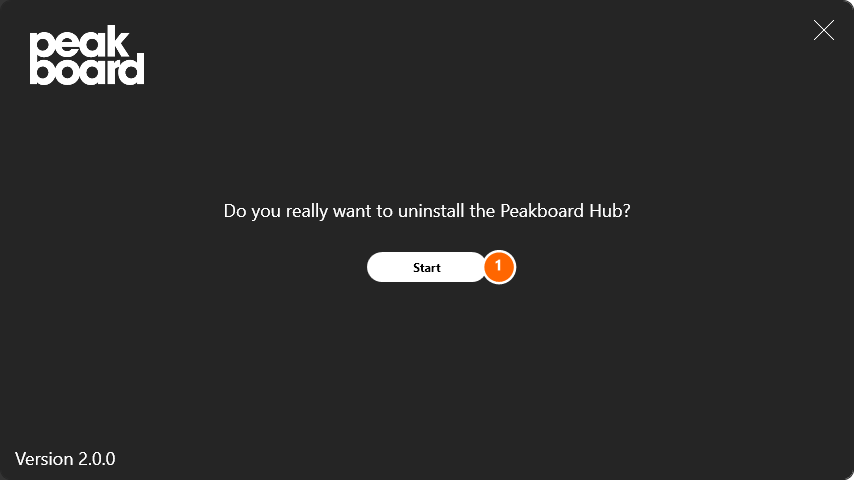
When the uninstaller opens it asks one more time whether you really want to remove the Peakboard Hub on premise. Click [Start] (1) to open the actual uninstall wizard.
Step 2 — Choose components
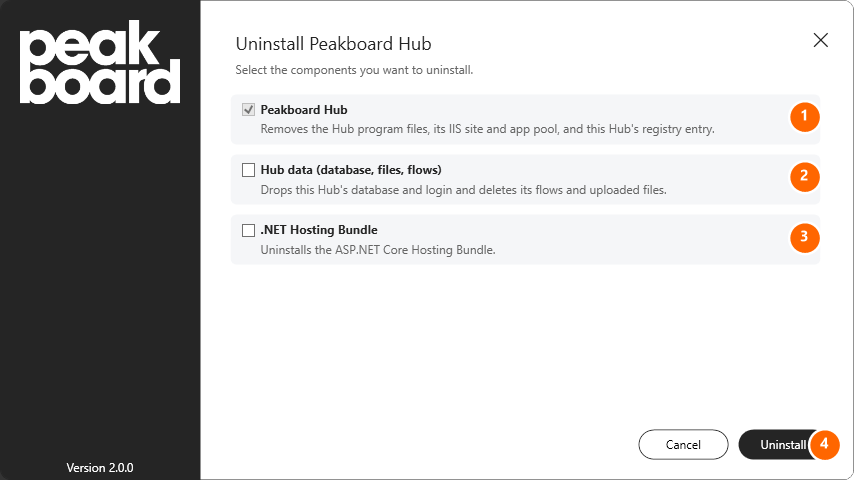
On the Uninstall Peakboard Hub step you decide what should be removed. Only the first option is enabled by default; everything else is opt-in.
- Peakboard Hub (1) — Removes the Hub program files, the matching IIS site together with its app pool and the registry entry of this Hub. The web application itself is gone afterwards, but the database is untouched.
- Hub data (database, files, flows) (2) — Additionally drops the Peakboard Hub database and its SQL login, and deletes uploaded files and the Hub Flows you created. Only enable this option if you really want to discard the data set completely.
- .NET Hosting Bundle (3) — Uninstalls the ASP.NET Core Hosting Bundle. Leave this check box off if other applications on the same server still need the bundle.
Click [Uninstall] (4) to start removing the selected components.
Step 3 — Done
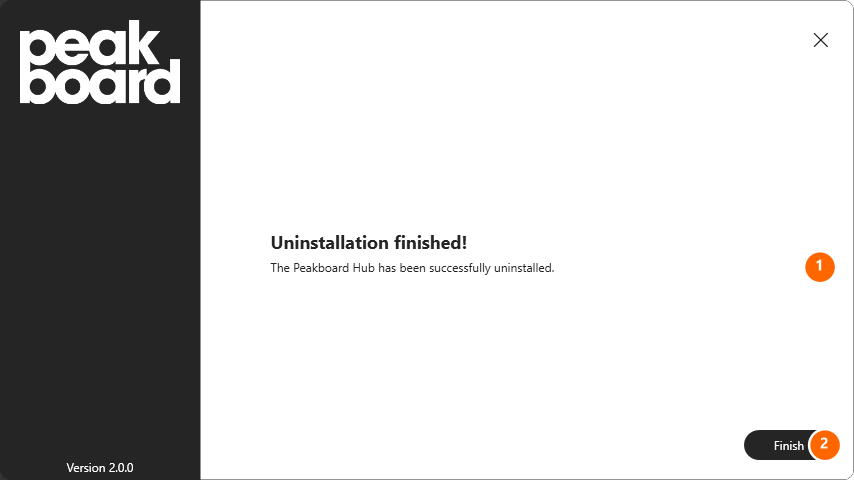
The operation typically finishes within a few seconds. The uninstaller confirms the result (1) and you close it with [Finish] (2).
If you deliberately kept the database and the .NET Hosting Bundle, both are still available. You can re-install the Peakboard Hub on premise from the setup file at any time and pick Use an existing database and user on the Database step to reuse your previous data set.