Peakboard hub
Flows – Use cases
Flows move data logic into Peakboard Hub. Because they run centrally and need no user interface, they suit a whole range of scenarios. This article presents the most important ones. To learn how to build a flow, see Create flow.
Workflows and notifications
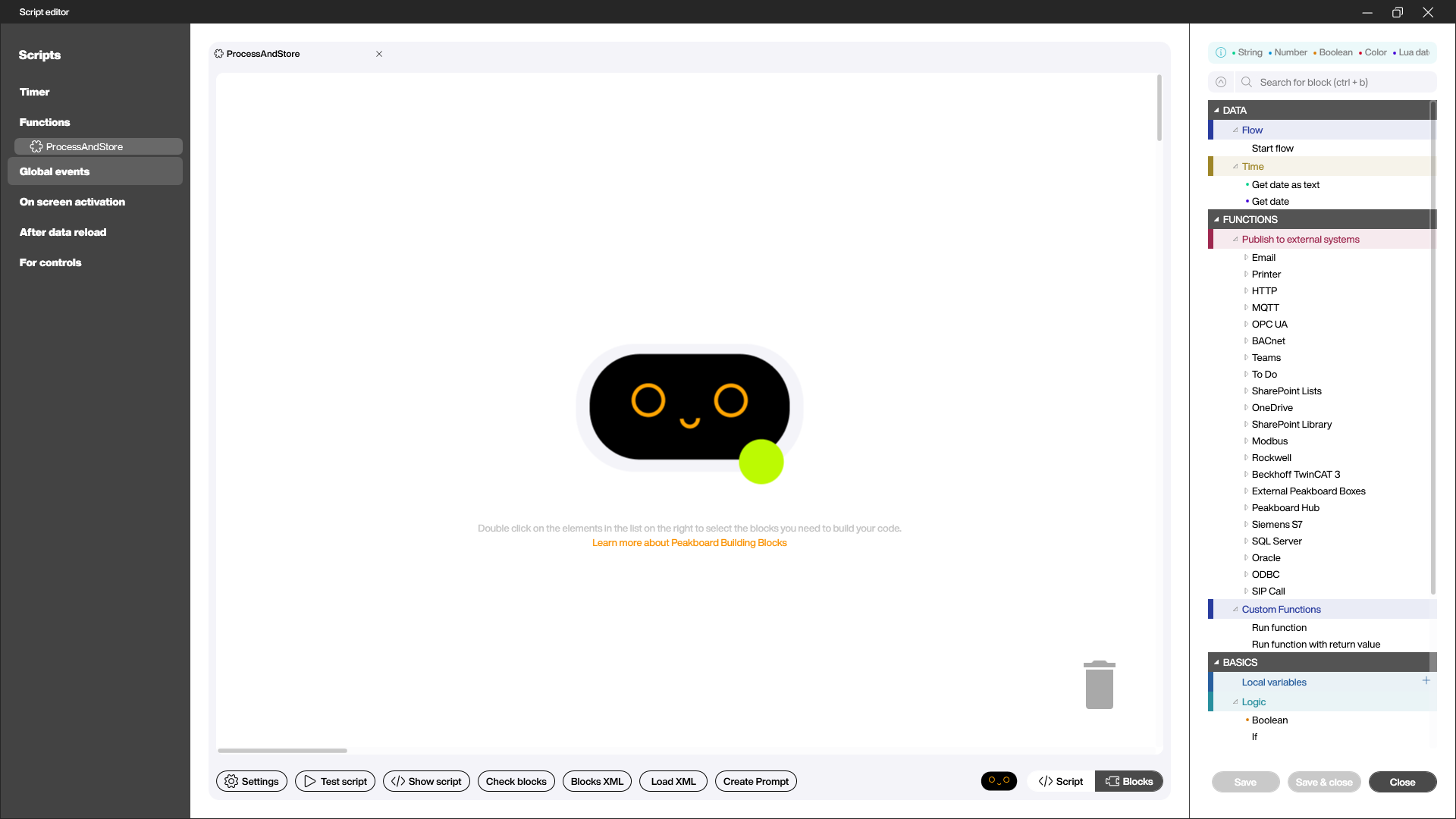
The simplest use case is automation: a flow watches a data source and triggers an action as soon as a condition is met – for example, an email when a machine goes down. In the function, the [Publish to external systems] area gives you many building blocks for this, such as [Email], [MQTT], [Siemens S7], or [SQL Server].
Stage data and save connections
When many Peakboard Boxes pull the same data from an ERP or database system, the connections quickly add up to boxes × data sources. That puts unnecessary load on the data source.
A flow turns this around: the flow opens one connection to the data source, retrieves the data on a schedule, and writes the result to a Peakboard Hub list. All Peakboard Boxes then only read from the Hub. “Boxes × data sources” becomes “one connection to the data source and then out to the boxes” – the data source is spared, and the periodic refresh keeps the data up to date.
Live broker for PLC values
PLCs only support a limited number of simultaneous connections. If many applications need to see the same values from a Siemens S7, this quickly becomes a problem.
A flow solves this as a live broker: it is the only one that connects to the PLC, reads the values at short intervals, and writes them to Peakboard Hub variables. The Peakboard Boxes subscribe to these variables through a Peakboard Hub connection – when the flow changes a value, the Hub notifies all subscribed applications live. This way everyone only accesses the Hub, and the PLC only has to serve a single connection.
Asynchronous processing as a queue
When a Peakboard Box writes directly and synchronously to an ERP system, it is blocked until the system responds. A flow decouples this: the box quickly writes its message to a Peakboard Hub list that serves as a queue. A scheduled flow then processes the open entries one after another, transfers them to the target system, and marks each row as done or failed. Failed entries are retried automatically on the next run – the box stays responsive at all times.
Aggregate and archive
With large volumes of data, it pays to pre-aggregate them before many applications access them. For example, a flow can read the previous day’s raw data at night, calculate daily values such as minimum, maximum, and average, and write them to a separate Peakboard Hub list. In the same way, old data can be moved to an archive list on a schedule and removed from the active list. This keeps the actively used lists small and fast without losing historical data.
Further examples
For detailed, hands-on examples of these scenarios – from historizing MQTT messages to distributing S7 values – see the Hub Flows blog series.