Peakboard hub
Delete lists
To remove an existing list from Peakboard Hub, follow the steps below. Once completed, the selected list is permanently deleted.
Delete a list
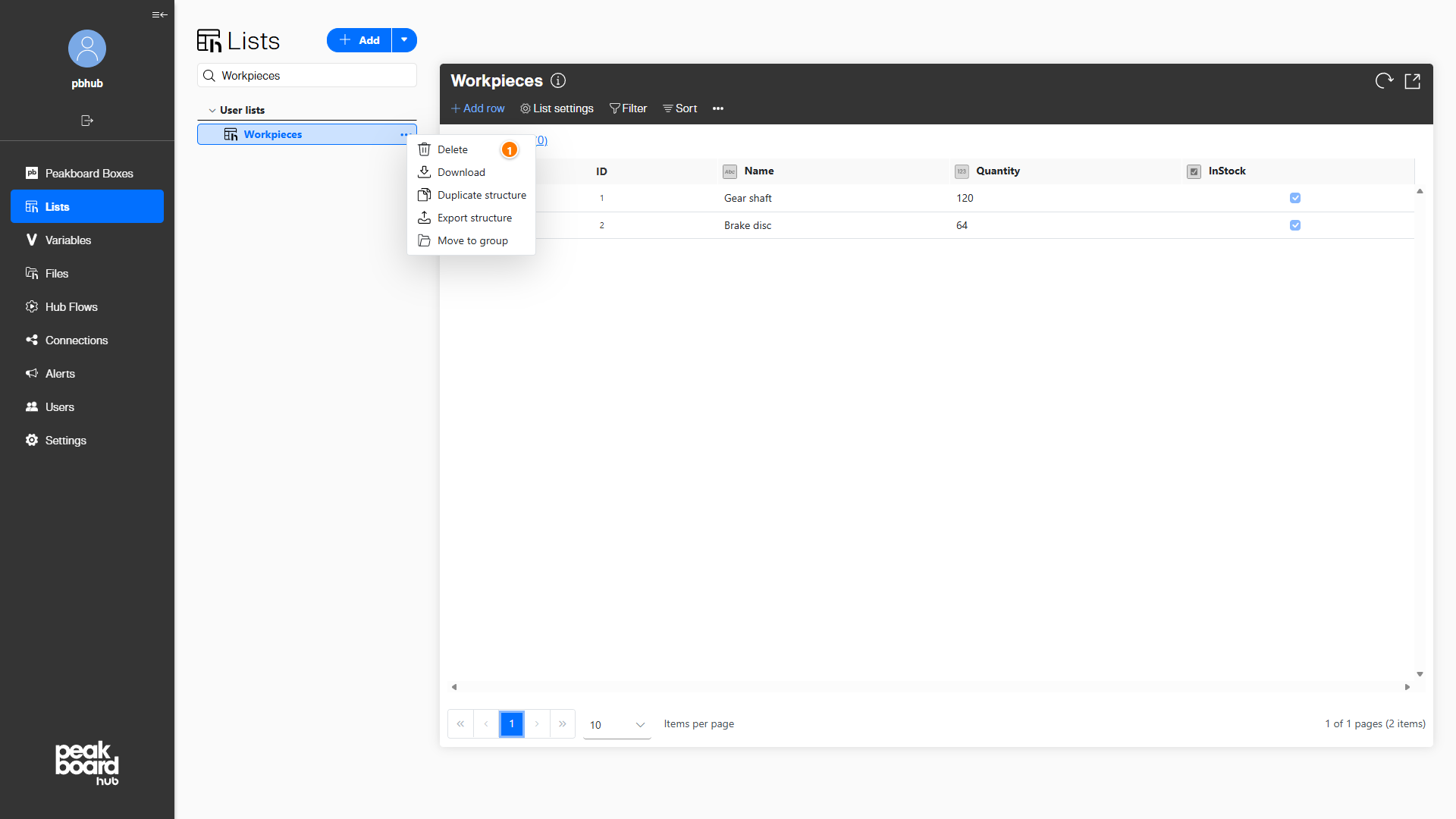
Navigate to the [Lists] section in the left sidebar and click the three dots next to the list you want to delete. In the context menu, select [Delete] (1).
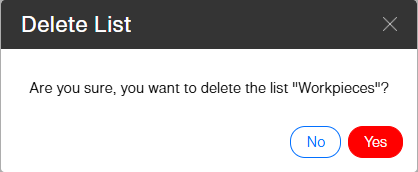
A confirmation dialog appears. Click [Yes] to permanently delete the list, or [No] to cancel.
After confirmation, the selected list is removed from the system and no longer appears in the list overview.