Scripting
Global Functions
Peakboard provides the capability to define specific procedures through global functions, which can be called at runtime. A key advantage of these functions is their ability to be triggered by various events. Additionally, global functions can accept parameters if needed.
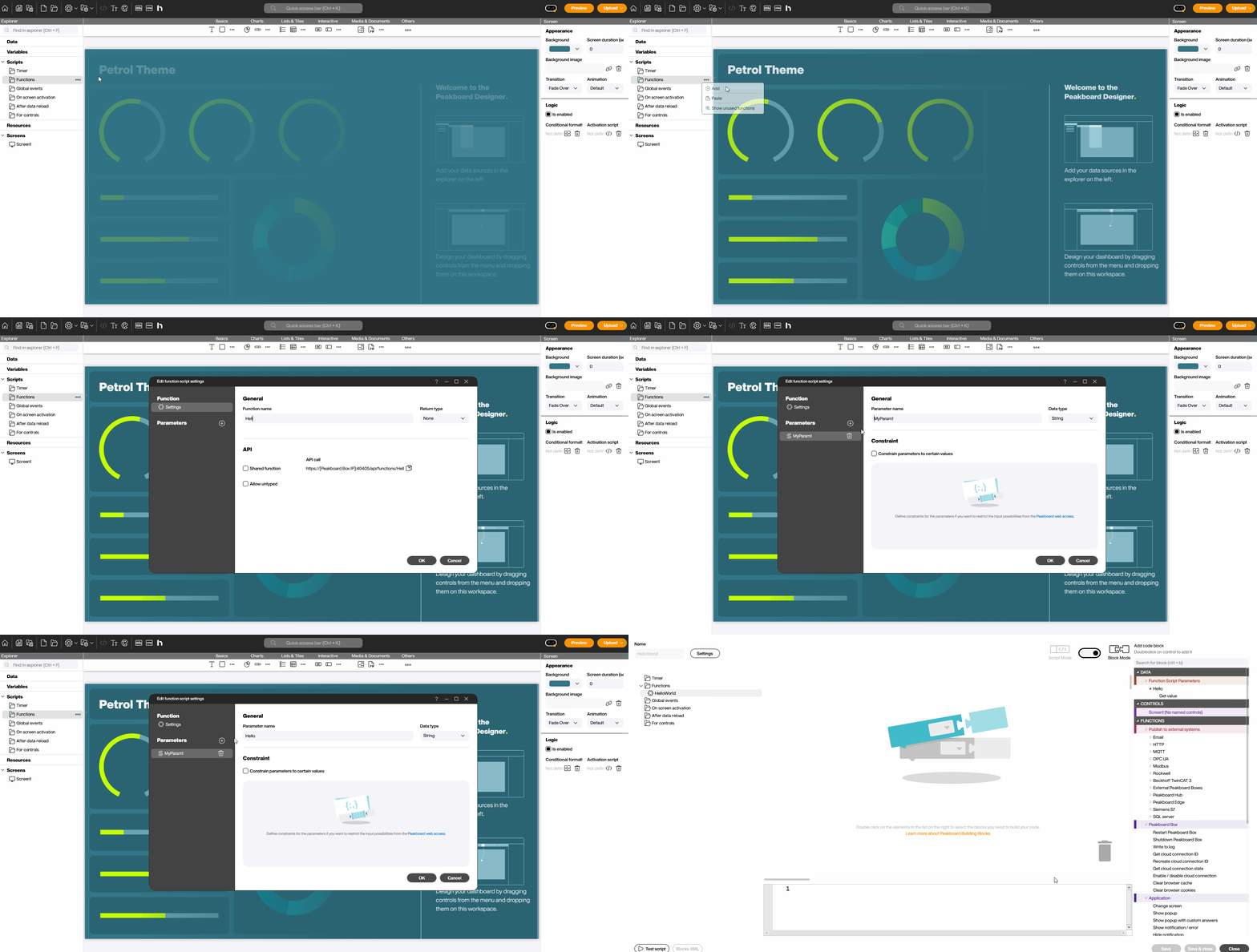
To create a global function, navigate to Scripts > Functions > Add.
Who called the function
When a global function is triggered from the Peakboard Hub, the script can find out which Hub user called it. Use the Building Block [Get Hub user email] — it returns the email address of the calling Peakboard Hub user.
This is what makes a global function auditable: you can write the caller into a log entry or a Peakboard Hub list, so a booking or a release is traceable to a person instead of just appearing anonymously.
Two limits are worth knowing:
- Call the block directly in the body of the function. From a deferred callback the caller is no longer known.
- If the function was not called from the Peakboard Hub — for example by a timer or a button on the Peakboard Box — the result is empty.